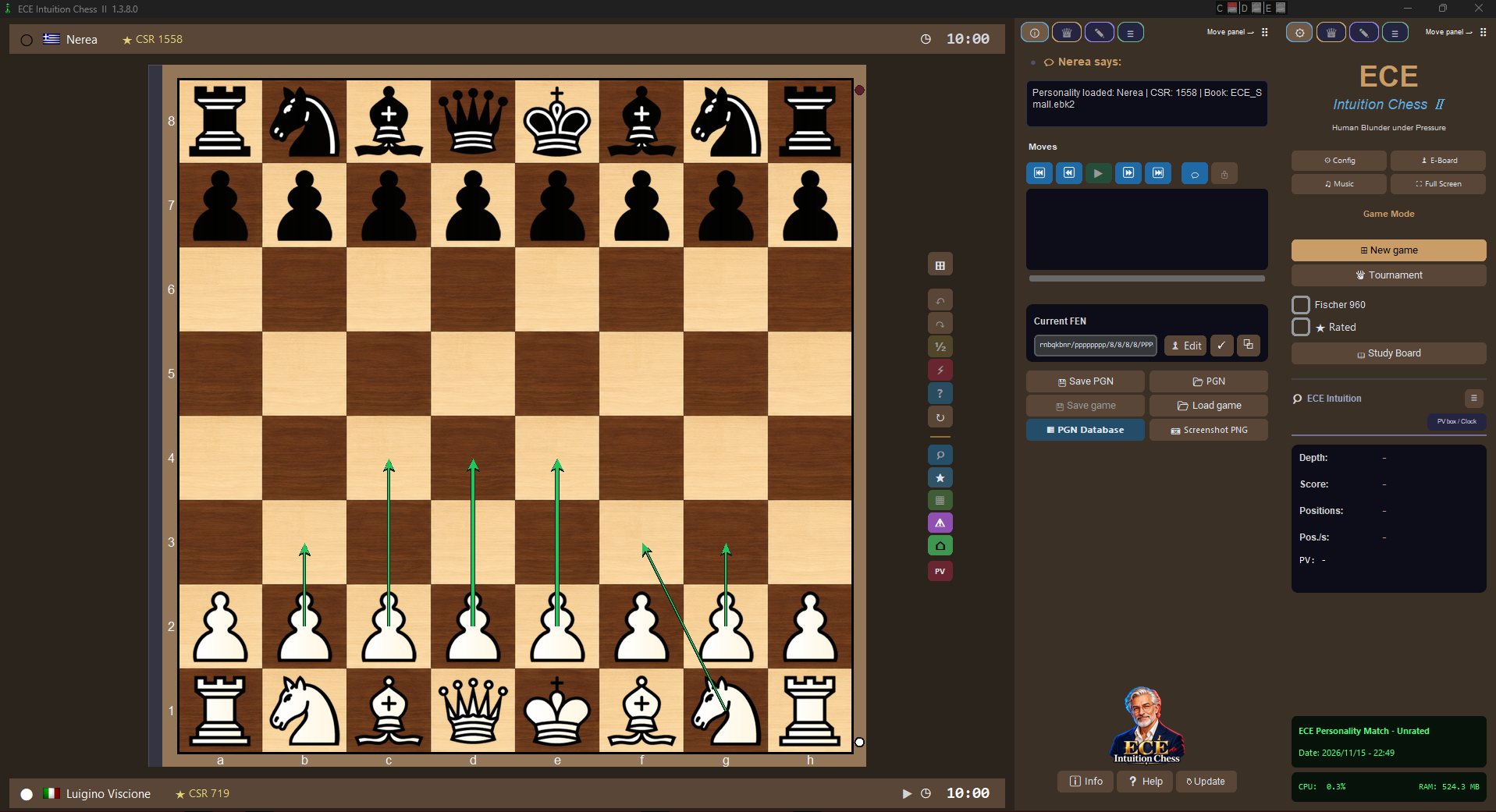
Free Windows chess software

Play with character. Learn with a coach.

ECE Intuition Chess II is a free program for playing, training and studying chess on your PC. Choose an opponent that suits you, review your games and test yourself in tournaments.

ECE Intuition Chess II
850+Personalities to challenge
88,000+Offline tactical puzzles
69,898Games of the great masters
7Languages + custom language packs

Play and compete

Challenge more than 850 personalities, each with its own strength, character and playing style. You can also face an external engine, play a friend on the same PC or watch matches between computer opponents. Play standard chess or Chess960, with a different starting arrangement of the pieces.

In Career mode, you start at 500 CSR, the starting level on ECE’s internal scale. Improve your results, climb divisions, enter Cups and Memorial events and win trophies. You can also enter the World Cup or create custom tournaments. Brackets help you follow matches and eliminations; player custom tournaments remain in beta.
Study and improve

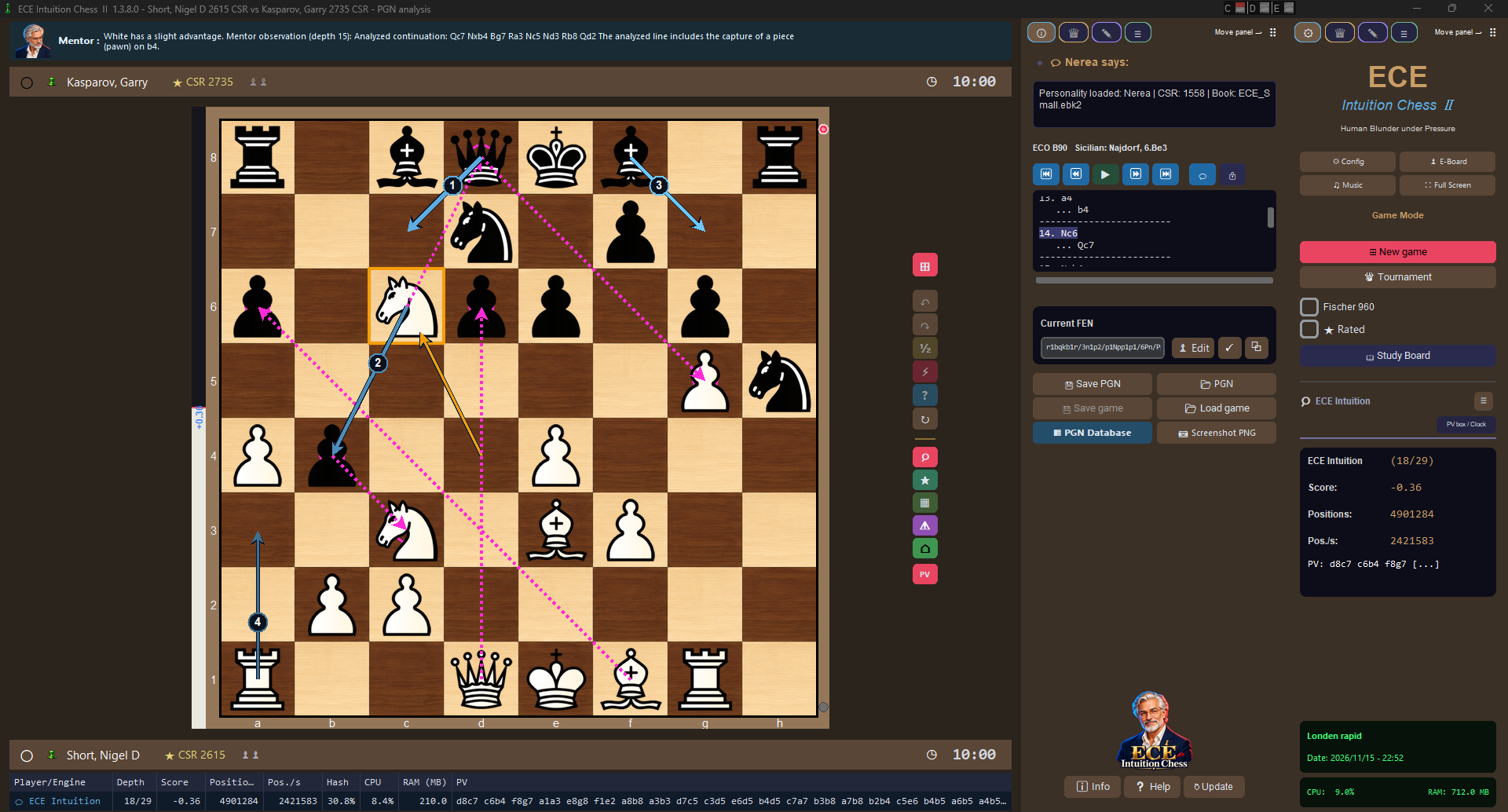
Analyse a position as you study it, or review a game to understand where you played well and where you could improve. ECE shows suggested continuations, threats and key moments, with an accuracy summary for the opening, middlegame and endgame.

In casual games that do not update your rating, you can enable Mentor, a coach that comments on the position and flags possible mistakes. You can continue, retry your move or request a hint, and reveal the explanation when you want it. Mentor also comments in Study and permitted observed matches. Assistance follows the rules of the selected mode and is unavailable in your own tournament games.

A chess environment of your own

Choose your board and pieces, use a 2D view or a view with a depth effect, and customise sounds and music. Profiles keep your settings, while backups help protect your data. You can add compatible external engines, receive updates and use ECE FICS to play online.

What people say about ECE

A selection of messages received from the community. These comments reflect the versions used by their authors.

You can clearly feel the joy, style and good Italian taste, almost like a work of art by a master painter, something rare in the world of computing.
Gilles B.Email · v26.10
I just red about ECE from talkchess forum. Congrats, as it looks great and well designed, and many thanks for sharing your work. The number of offerred opponent profiles is awesome. You did a masterclass of a job!
Eric B.Email
To play as a human vs an application, I must admit ECE Intuition Chess is now my preferred choice. Well done Luigino!
Eric B.Email26.10
I saw the ECE Intuition update on TalkChess. The graphics and presentation are truly impressive, but its greatest strength is the variety of play offered by the personalities. I would venture a small comparison: after all these years, the good old Chessmaster has a younger sibling. It is remarkably complete for a free program, and it is here for us to enjoy. An enormous amount of work. Thank you.
Jeff B.Email26.10
After updating, I immediately noticed that the opponents felt more rounded, while the standalone engine is leaner and easier to manage. Thank you for listening to the suggestions, and above all for creating a program that fills a real gap.
Golia Res.Email26.10
This seems pretty cool and honestly like a pretty viable option for engine testing. Instead of downloading a bunch of chess engine for simple local Elo tests, one might simply download ECE and use multiple instances with many different playing skills. Incredible project.
p1x3rTalkChess forum
The playing strength feels incredibly realistic. The engine makes tactical mistakes instead of simply hanging pieces or producing random blunders just to return to the selected strength range. It feels like playing online: pieces are lost through tactics, sacrifices can be misjudged, and the strategies are realistic but imperfect. An incredible experience!
Giovanni D.User feedback
The interface is simple; sometimes it may not be the fastest, but once you enter the game you are immersed in a completely new experience. It may not be the strongest engine ever, but its analysis feels very human and understandable.
Fedric R.User feedback
A huge amount of work. It is incredible that everything is completely free: a complete experience. It can only grow and offer more to help players study, from beginners to masters. When will we see a complete database of study games?
Richard J.K.User feedback
Playing the Career tournaments is incredible; you can feel a human sense of competition. I might have made the time controls selectable, but realism also means entering events with defined rules. An incredible experience! I will help by reporting bugs.
Daniel K.User feedback
I honestly think anyone who tries this software can see how much effort goes into its development. The experience is very interesting for people who enjoy offline but still competitive chess. A game at your own level feels very, very realistic. Thank you! I will support the project with bug reports and suggestions.
Teodoro L.User feedback
This software gives people the chance to enjoy offline chess again. It took me back in time while preserving an important sense of modernity.
Dayanna T.TikTok
ECE Chess is simple but wonderful to use. I was pleased to receive the betas before the substantial August 30 update and could see its unquestionable improvements.
Jordan B.Email
Computer chess is now discussed almost only in terms of engines or experiences on well-known sites. With ECE you have brought the person back to the centre, while keeping a door open for engine testing. An outstanding job—congratulations.
Radam IndiaTikTok
I would sincerely like to help by reporting bugs. This is incredible software with a beautiful core idea, and I greatly enjoy playing it. At 77, online play is not my strength; with ECE I can play offline with satisfaction.
R.J.Germany · Email
Thank you for showing me in advance the enormous work completed for the August 30 version. Everything is truly impressive. I will contribute opening books and personalities to enrich this software dedicated to people. Thank you!
Devid G.Email

Download

Microsoft Store · GUI 1.7.0.0 · ECE Engine 26.11

ECE Intuition Chess II

ECE Intuition Chess II

ECE Intuition Chess II is a free program for playing, training and studying chess on your PC. Choose an opponent that suits you, review your games and test yourself in tournaments.

Download from Microsoft Store

Moving to Microsoft Store

Create a complete backup outside the installation folder before uninstalling. Install the Store edition, then restore your backup.

Migration guide

Electronic boards: compatibility

DGT support is no longer labelled beta: it has been verified on a real DGT USB-C e-Board, including two-player games and clock handling. DGT Pegasus is excluded from this confirmation. LEDs have not been tested because the test board has none. Chessnut and Millennium ChessLink remain in beta, awaiting further community verification.

System requirements

Minimum requirements

Windows: 10 / 11 (64-bit).
CPU: 4 cores; AMD Ryzen 3 3200G, Intel Core i3-8100 or equivalent.
RAM: 4 GB.
Graphics: 1 GB of dedicated or shared graphics memory.
Display: 1366×768.
Storage: at least 3 GB, plus space for books and archives.

Recommended system

Windows: 10 / 11 (64-bit).
CPU: 8 cores; AMD Ryzen 7 5700X, Intel Core i7-10700 or equivalent.
RAM: 8 GB.
Graphics: 2 GB of dedicated or shared graphics memory.
Display: Full HD 1920×1080.
Storage: at least 6 GB; SSD recommended.